
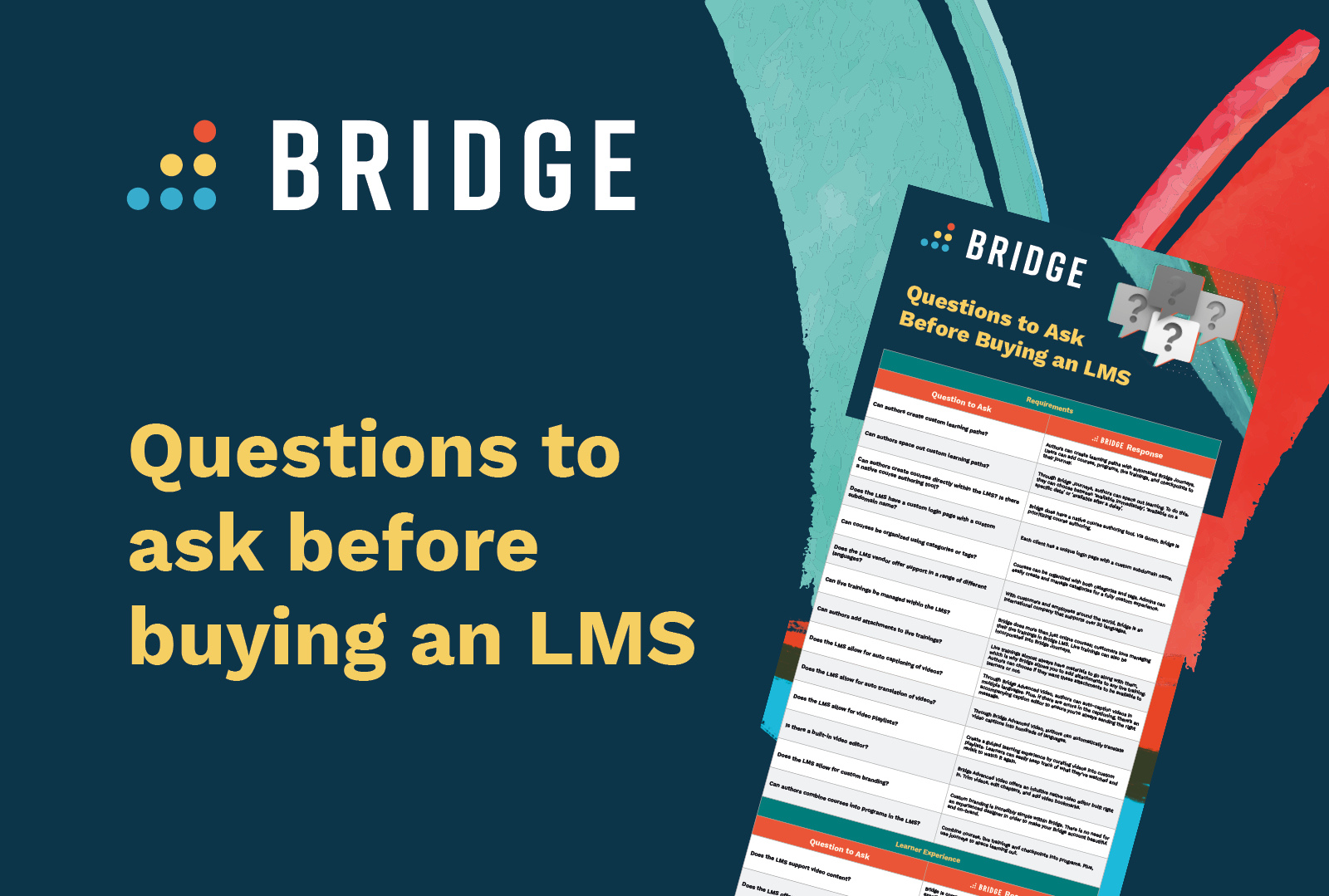
10 Questions to Ask When Buying an LMS (And 3 to Ask Yourself)
When evaluating software solutions, it's important to ask the right questions.
Use this checklist to ensure alignment between L&D and your business goals while engaging with software vendors.
1) What Are Your Organization’s Goals?
Define the goal driving the purchasing decision based on factors such as:
- Current strategic priorities
- Future business priorities and plans
- Issues or gaps with your current platform
- How an LMS investment will support business performance
- The metrics to show success
- Budget
2) What Are Your Key Stakeholders Looking for?
Your chosen LMS must align with the needs of stakeholders throughout your organization. Account for the goals and priorities of the following groups:
- Execs
- HR
- Finance and procurement
- IT
- Line managers
3) What Are the Essential Requirements for an LMS?
Make a list of the features your learning platform must have based on business goals and stakeholder priorities. For example:
- Integration with your existing tech stack
- Specific content formats you use
- Learners’ needs and preferences
- The number of courses, learners, and admins your platform will need to accommodate
- The skills and competencies your organization needs to achieve its goals
The Questions to Ask an LMS Vendor
Use the questions below to gather information from LMS vendors. Compare this information to your organization's goals and priorities to find the best solution.
1) How Easy Is It for Authors and Admins to Create, Manage, and Assign Content?
The ability to create and deliver content is essential for any team, so check that an LMS has a robust set of capabilities, such as:
- Automation of learning pathways and content
- Video capabilities Translation capabilities
- Access to off-the-shelf content
- Premade templates, assessments, and quizzes
- How easy it is to organize content within the library
- Integration with third-party content providers
- Built-in authoring tools
- Webinar and live training event management
- How much time it takes (on average) to create and assign a course
2) What Kind of Reporting and Analytics Can Admins Access?
Reporting and data visualization tools are essential for tracking, measuring, and showing the results of training and development. Ask about capabilities such as:
- Real-time reporting
- The ability to download and share reports
- Access to employee performance and skills data
- Dedicated manager dashboards
- Learner-facing dashboards
- The ability to create and distribute custom reports
- Report scheduling and automation
- Detailed information about usage
3) How Does the LMS Support Upskilling and Employee Development?
You’ll want to know how the platform will support your upskilling and reskilling strategies. Look for features such as:
- In-the-moment skills insights
- Skills-based learning recommendations
- Knowledge checks
- Peer learning and mentoring
- Continuous feedback
- Up-to-date skills taxonomies
- Employee development plans
4) What Steps Do You Have in Place to Ensure Data Is Secure?
Review the security measures and protocols each platform has in place, accounting for critical features including:
- Adherence to industry compliance standards
- Guaranteed average uptime
- Data recovery plans
- User roles and permissions
- Storage and data backups
- Frequency of security updates and patches
- SSL certificates
- Two-factor authentication (2FA)
5) Will the LMS Integrate With Our Existing Tech Stack?
To ensure your chosen LMS is compatible with your essential tools and applications, assess the level of integration with the following:
- Single sign-on (SSO)
- The ability to exchange employee data with your HRIS
- Open APIs and webhooks
- Support for custom integrations
- Ecommerce and storefronts
- Messaging applications
- CRM integrations
- Off-the-shelf content and third-party content providers
- Support for SCORM content
- Digital credentials and certificates
6) What Level of Support Can We Expect?
To learn what level of support your organization is likely to expect, look for a vendor that provides the following:
- 24/7 access to customer support
- Multiple customer support channels
- Ongoing training and technical support
- Implementation and onboarding support
- Availability of self-help tutorials, guides, and documents
7) Can the LMS Scale and Support My Organization in the Long-Term?
Gathering information about the following features will help to ensure a vendor is well-placed to support your organization in the future:
- The ability to accommodate a growing number of users
- The ability to acquire and integrate add-on products
- A roadmap for future growth
- Regular updates and maintenance
- Customer case studies relevant to your organization
- The ability to train external learners, customers, and partners outside the organization
8) Does the Platform Help to Automate Administrative Processes?
Saving administration time can lead to productivity gains in other areas. The following automation features can ease day-to-day workloads:
- Auto-enrolling learners in courses
- Tagging content with the appropriate skills
- Targeting courses to learners
- Scheduling reminders for deadlines
- Sending notifications and alerts
- Tracking and reporting
- Automatic push notifications
- The ability to reuse content in multiple courses
9) Is the LMS Engaging for Learners?
An engaging and personalized training experience can encourage long-term adoption. The following features can indicate that a platform prioritizes user experience:
- Support for microlearning
- Employee feedback and recognition
- Personalized career development plans
- Peer learning and collaboration functionality
- An accompanying mobile app
- Cohort-based learning
- User notification preferences
- The ability to search for content
10) Is the LMS Designed to Meet the Needs of All Learners?
You’ll want to make sure your chosen platform is customizable and accessible to all learners. Pay attention to the user experience and the ability to control the look and feel of the experience with features including:
- Ease of use and navigation
- Mobile compatibility
- Responsive layouts that work on any device
- Custom themes and layouts
- Adherence to web accessibility standards (WCAG 2.2 and beyond)
- Video transcripts
Create Long-Term Confidence With Bridge’s LMS
To fully realize the business benefits of your LMS and bring your training strategies to life, you need a solution that works for your entire organization.
Bridge is here to help.
Bridge offers an award-winning learning management system and performance platform in one unified experience. Employee development and engagement is at the heart of everything we do. Design and deliver training programs, and take learning to a new level with tools designed to make conversations about workplace performance easier.
Bridge has helped thousands of organizations worldwide drive growth by bringing learning, skill building, and employee engagement together in one easy-to-use platform.